
By Stephanie Chong | 28 October 2026 | 6 min read
Key Takeaways
In This Article
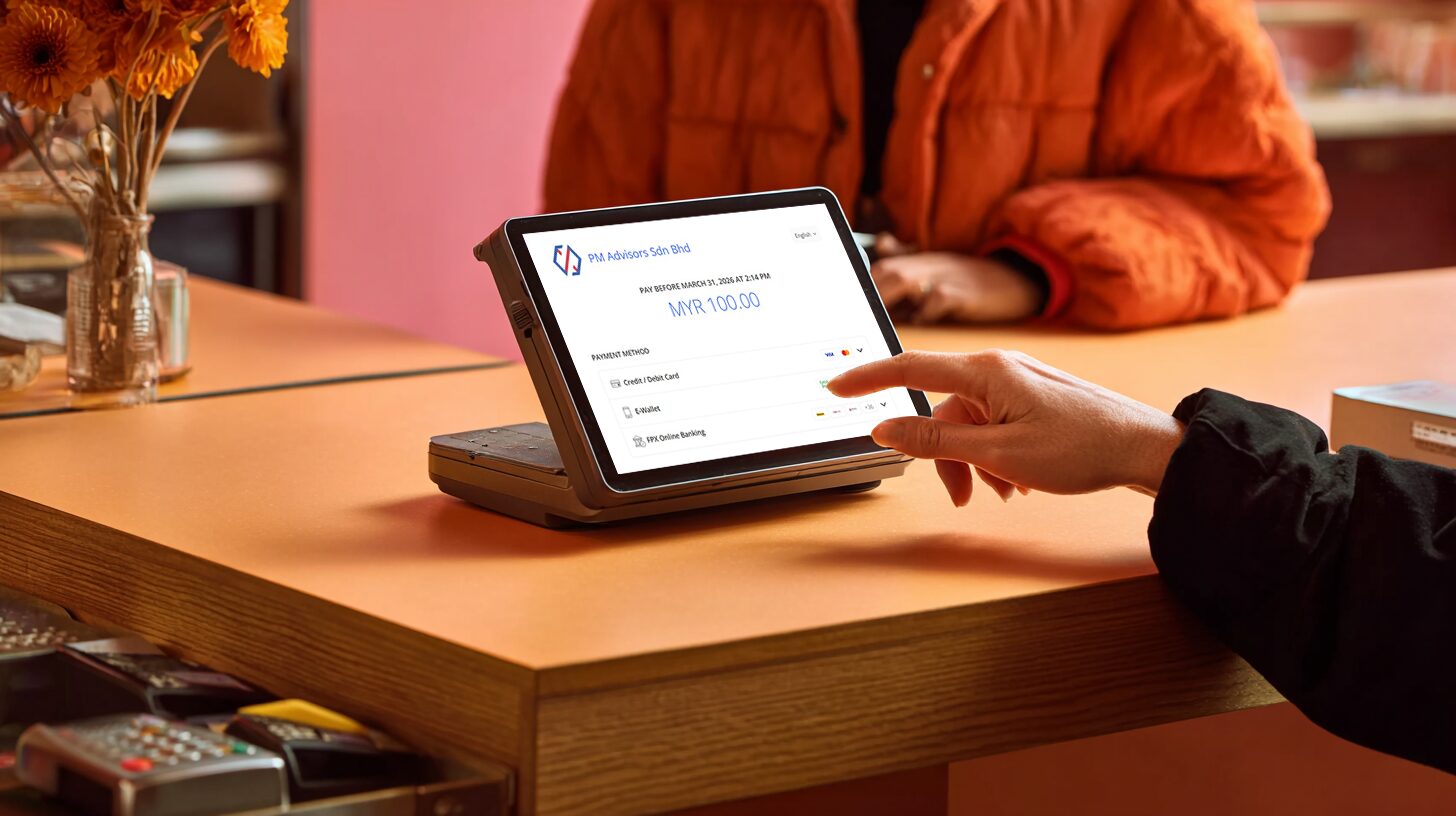
A payment link is a secure web address that opens a hosted checkout page where your customer pays by card, e-wallet or bank transfer. For SMEs, payment links in Malaysia are the quickest way to take online payments without a website: you create a link for an order, send it through WhatsApp, email or social media, and the money is settled to your business account.
This guide explains how payment links work, where they fit best, how they compare with other ways of getting paid, and the habits that keep them safe.
You generate a link from your payment provider’s dashboard, the customer opens it and pays on a secure page, and both of you receive confirmation. The payment is then settled to your registered bank account under the schedule agreed with your provider.
A typical flow looks like this:
Because the checkout page is hosted by the provider, you never handle the customer’s card details yourself. That removes a large part of the security burden from your business.
Payment links work anywhere the customer is not standing at your counter. They are especially useful for businesses that sell through conversation rather than a shopping cart.
Many merchants also use links as a backup at physical events, pop-up stalls or deliveries, where a customer would rather pay on their own phone.
The common thread is control. Instead of waiting for a bank transfer and chasing proof, you decide the amount, the customer pays on a page you trust, and the record sits in one place. That is why payment links in Malaysia have become a default tool for small businesses that sell through chat.
Payment links sit between a manual bank transfer and a full website checkout. They give you most of the control of a gateway with almost none of the setup.
| Factor | Manual bank transfer | Payment link | Website checkout |
|---|---|---|---|
| Website required | No | No | Yes |
| Payment methods | Bank transfer only | Cards, e-wallets, bank transfers and more, depending on provider | Same as payment link |
| Proof of payment | Customer screenshot | Confirmed in your dashboard | Confirmed in your dashboard |
| Matching to orders | Manual, error-prone | Reference on each link | Automatic per order |
| Setup effort | None | Low | Medium to high |
| Best for | Occasional, trusted payers | Chat-based and invoice sales | High order volumes |
As order volumes grow, many businesses keep payment links for custom orders and add a website checkout for standard products. Our guide to choosing a payment gateway in Malaysia explains what to compare when you reach that stage.
Yes, when they come from a reputable provider and you follow a few simple habits. The hosted page handles sensitive card data, and you confirm each payment in your own dashboard rather than trusting what a customer sends you.
Phishing messages often imitate real payment requests, so consistent, predictable behaviour from your business is one of the best defences you can offer customers.
Clear descriptions, the right payment methods and a timely follow-up do most of the work. A customer who understands exactly what they are paying for, and can pay the way they prefer, pays faster.
You need a merchant account with a provider that offers payment links, which means completing its onboarding and verification first. Once approved, you can usually create your first link the same day you get dashboard access.
PM Advisors provides e-commerce online payments with secure payment links in partnership with Xendit. You can accept cards, e-wallets, bank transfers and Buy Now Pay Later, set up recurring payments with auto-debit and automated reminders, and track transactions, reports and reconciliation from one centralised dashboard.
If you also take payments in person, the same conversation can cover a smart POS terminal for your counter. To find the right mix for your business, share your current payment setup with our team and we will recommend a solution that fits how you sell.
No. A payment link opens a checkout page hosted by your payment provider, so you can send it through WhatsApp, email, social media or an invoice without owning a website. This makes payment links a practical starting point for home businesses, social sellers and service providers who sell through conversation rather than an online shopping cart.
It depends on your provider and the methods you enable. Through PM Advisors and its partner Xendit, payment links can accept cards, e-wallets, bank transfers and Buy Now Pay Later. Offering the methods your customers already prefer, especially e-wallets and online banking in Malaysia, usually improves how many links are paid.
Payment links from a reputable provider are safe because customers pay on a secure hosted page and the merchant never sees full card details. Customers should only open links from a business’s official channels and look for the merchant’s registered name on the payment page. Businesses should never ask customers to share card details or one-time passwords in a chat.
Confirm the payment in your provider dashboard, which shows the transaction status in real time. Do not release goods based on a screenshot or a forwarded message, because these can be edited or reused. Adding a unique order or invoice reference to every link makes it easy to match each payment to the right customer.
Yes. For regular charges such as tuition fees, memberships or subscriptions, pair payment links with recurring billing. PM Advisors’ e-commerce solution supports recurring payments with auto-debit and automated reminders, which reduces manual follow-up. Make sure customers clearly agree to the amount and frequency before you start charging them on a recurring basis.
About the author: Stephanie Chong
Stephanie Chong writes for PM Advisors on payments, merchant operations and cashless commerce in Malaysia. Her guides turn payment topics such as POS terminals, online payment gateways, e-vouchers and reconciliation into practical steps that business owners can act on.